
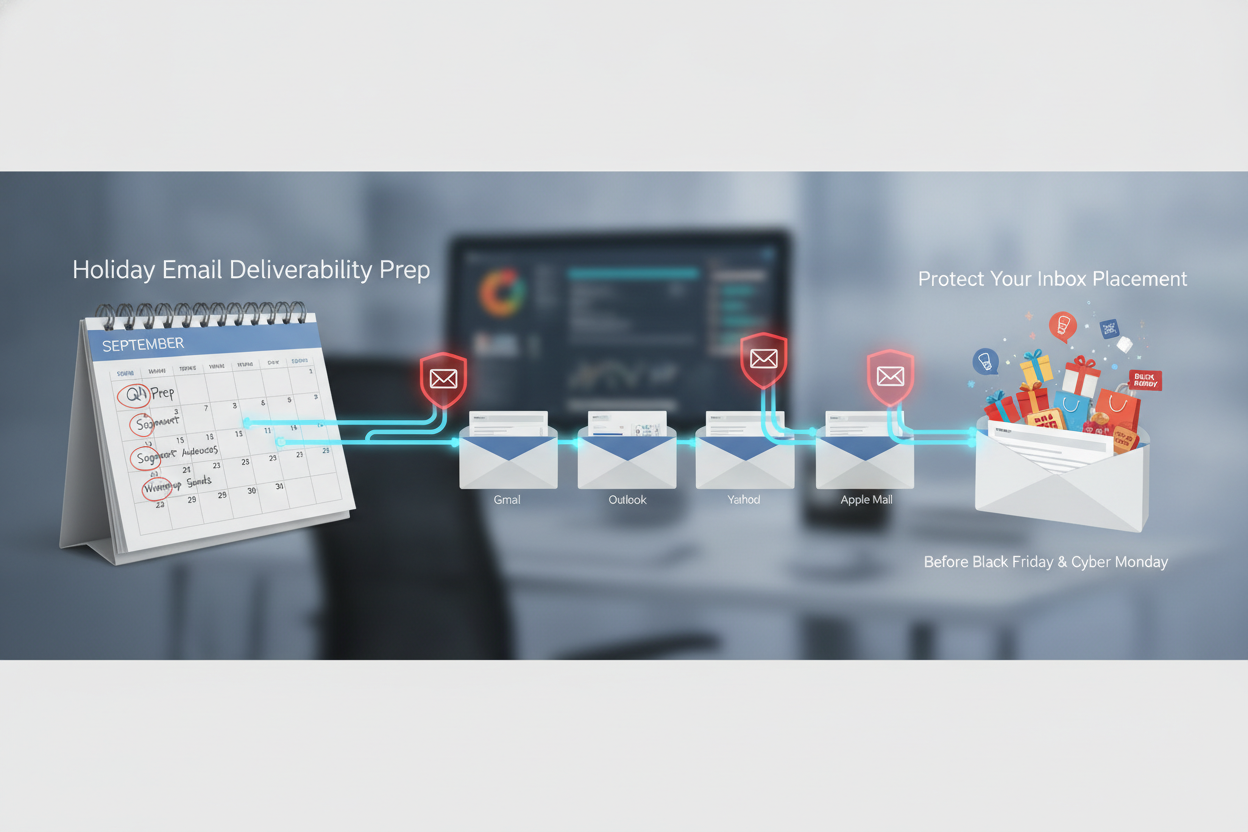
Protecting your inbox placement during the Black Friday and Cyber Monday (BFCM) window requires preparation that starts weeks, if not months, before the first promotional send goes out. The senders who land in the inbox on the days that matter most are the ones who treated deliverability as a strategic priority in September and October, not a crisis to solve on November 20th. This article walks through the specific, practical steps that email teams should take right now to ensure their holiday sends reach the inbox and drive revenue.
The Q4 sending period is unlike any other time of year. Volume spikes dramatically across the entire email ecosystem, which means ISPs like Gmail, Yahoo, and Microsoft are processing significantly more messages and applying tighter scrutiny to sender behavior. When every retailer, publisher, and brand is flooding inboxes simultaneously, the filtering algorithms become less forgiving. Small reputation issues that might go unnoticed in March can trigger spam folder placement in November. A sender whose bounce rate creeps up by half a percentage point or whose complaint rate ticks above 0.3% may find their carefully planned Black Friday campaign sitting in the promotions tab or, worse, in spam.
The math is straightforward and unforgiving. If your list has degraded since last holiday season and you haven't validated it, you're sending into a minefield. Email addresses decay at a rate of roughly 22-30% per year depending on the industry. That means if you built a segment of 500,000 subscribers last January and haven't cleaned it since, somewhere between 110,000 and 150,000 of those addresses may be invalid, inactive, or converted to spam traps. Sending to those addresses during the highest-volume period of the year is the fastest way to tank your sender reputation right when you need it most.
The first thing to do, and the most impactful, is a full list hygiene pass. Run your entire active sending list through a validation service that checks for syntax errors, invalid domains, full-mailbox addresses, known spam traps, and role-based addresses. This isn't a nice-to-have; it's foundational. A tool like Validate Plus can process large lists quickly and flag addresses that pose a deliverability risk before they ever receive a holiday send. The goal is to remove every address that will bounce, trap, or generate a complaint, because each one of those negative signals erodes the reputation you need to carry you through the busiest sending days of the year.
After list hygiene comes the question of volume ramping. If you plan to send two to three times your normal daily volume during the BFCM week, you cannot simply flip a switch and start sending at that rate on November 25th. ISPs track your sending patterns over time. A sudden spike in volume looks exactly like a compromised account or a spammer, even if you're a legitimate sender with a clean list. The smart move is to begin gradually increasing your send volume four to six weeks before your peak holiday sends. Add 20-30% more volume each week. This gives the ISPs time to see that your increased volume is intentional, consistent, and generating positive engagement signals.
| Weeks Before BFCM | Action | Why It Matters |
|---|---|---|
| 8-6 weeks | Full list validation and hygiene | Removes hard bounces, traps, and risky addresses before ramp |
| 6-4 weeks | Begin volume ramp (20-30% weekly increases) | Trains ISP algorithms to expect higher volume from your domain |
| 4-3 weeks | Audit authentication (SPF, DKIM, DMARC) | Ensures all sending sources are properly authorized |
| 3-2 weeks | Re-engagement campaign for dormant subscribers | Identifies who still wants your email before peak volume |
| 2-1 weeks | Test subject lines, preview text, and creative for holiday campaigns | Locks in winning variants so BFCM sends are optimized on day one |
| BFCM week | Monitor delivery metrics in real time, adjust suppression if needed | Catches throttling or placement issues before they cost revenue |
The volume ramp period is also where engagement-based segmentation proves its value. During your ramp weeks, prioritize your most engaged subscribers: the people who have opened or clicked within the last 30 to 60 days. These are the subscribers who will generate positive engagement signals (opens, clicks, replies, moves to primary inbox) that tell ISPs your increased volume is welcome mail. As your reputation strengthens through those positive signals, you can widen the aperture to include subscribers who last engaged 60 to 90 days ago. By the time BFCM arrives, you'll have built a runway of positive reputation data that supports your peak volume sends.
Authentication is the piece that experienced senders sometimes overlook because they set it up once and assumed it was done. But sending infrastructure changes over time. Maybe you added a new marketing automation tool that sends on your domain. Maybe your IT team migrated DNS providers. Maybe a vendor you forgot about is still authorized in your SPF record but sending messages that hurt your reputation. Before the holiday window, audit every component: verify your SPF record includes all legitimate sending sources and nothing else, confirm DKIM signing is active and valid on every mail stream, and make sure your DMARC policy is set to at least "p=quarantine" (ideally "p=reject" if you've been monitoring your DMARC reports and are confident in your authentication coverage). If you have BIMI set up, verify that your verified mark certificate is current. These aren't glamorous tasks, but a single authentication failure during a high-volume send can cause an entire campaign to land in spam.
Re-engagement campaigns deserve their own attention during the pre-holiday period. If you have a segment of subscribers who haven't opened or clicked in 90 to 180 days, sending them a re-engagement series three to four weeks before BFCM accomplishes two things. First, it identifies the subscribers who are still interested and brings them back into your engaged pool, which gives you a larger audience for holiday sends. Second, and just as important, it identifies the subscribers who don't respond, which tells you to suppress them from your BFCM sends. Mailing unengaged subscribers during peak volume is one of the most common causes of holiday deliverability problems. Those sends generate low opens, which drag down your domain's engagement rate at the exact moment ISPs are watching it most closely.
Suppression strategy during the holiday window is where many email programs fail. The instinct is understandable: Black Friday is the biggest revenue day of the year, so the temptation is to mail everyone, including people who haven't engaged in six months or a year. The data consistently shows this is counterproductive. Suppressing your least engaged 10-15% of subscribers typically improves inbox placement enough to generate more total revenue, even though you're mailing fewer people. The relationship between list size and revenue is not linear when deliverability is a factor. Platforms that handle suppression algorithmically, like Deployer's Smart Suppressions, can make these decisions dynamically based on real-time engagement and reputation signals rather than relying on static time-based rules.
On the infrastructure side, the sending platform itself matters more during BFCM than at any other time. When you're sending two to five times your normal volume in a compressed window, you need an MTA infrastructure that can handle the throughput without queuing delays, and you need delivery optimization that responds to ISP feedback in real time. If Gmail starts throttling your sends at 2 PM on Black Friday, your platform needs to detect that signal and adjust sending speed, IP allocation, and routing automatically. This is the difference between a 15-minute throttle that resolves itself and a four-hour delivery delay that means your "doorbuster" email arrives after the sale ends. Adaptive Delivery technology was designed for exactly this scenario, using real-time ISP response data to optimize sending patterns on a per-message basis, but regardless of what platform you use, you should understand how it handles throttling and deferral during high-volume periods.
Finally, monitoring during the actual BFCM window needs to be active, not passive. Set up real-time alerts for bounce rate spikes, complaint rate increases, and delivery rate drops by ISP. If you're seeing 98% delivery to Yahoo but only 85% to Gmail, that's a signal you need to act on immediately, not something to review in Monday's report. Have a plan for what you'll do if a specific ISP starts rejecting or deferring your mail. That plan should include the ability to throttle volume to that ISP, temporarily suppress less-engaged subscribers from sends to that domain, and escalate to your deliverability team or ESP support while the issue is still recoverable.
The senders who win BFCM are not the ones who send the most email. They're the ones whose email actually reaches the inbox. That outcome is determined by the work you do in the weeks before the holiday window opens. Clean your list, ramp your volume, audit your authentication, re-engage or suppress your dormant subscribers, and make sure your sending infrastructure can handle the load. If you want to stress-test your deliverability readiness before the stakes are real, now is the time to start. The Market Rithm team works with senders processing billions of messages annually through exactly this kind of preparation; reach out at marketrithm.com if you want a second set of eyes on your holiday sending plan.
How far in advance should I start preparing for Black Friday email deliverability?
Start at least six to eight weeks before your first major holiday send. List hygiene and volume ramping require lead time to be effective, and ISPs need weeks of consistent positive signals to build confidence in your increased sending patterns. Waiting until November is too late to fix a reputation issue.
Should I suppress unengaged subscribers from my Black Friday emails?
Yes. Mailing subscribers who haven't engaged in 90 or more days during peak volume periods consistently hurts inbox placement. The negative engagement signals from unresponsive recipients drag down your domain reputation, which can push even your engaged subscribers' emails into spam. Suppressing the bottom 10-15% typically results in higher total revenue despite the smaller send volume.
What is a safe volume increase rate when ramping for BFCM?
A 20-30% weekly increase over four to six weeks is a reasonable guideline for most senders. If your peak BFCM volume will be three times your normal daily volume, start ramping early enough that you reach that level gradually. Sudden spikes of 200% or more in a single day will trigger ISP throttling regardless of your sender reputation.
How do I know if my email authentication is properly configured?
Use a DMARC reporting tool to review your aggregate reports and identify any sending sources that are failing SPF or DKIM checks. Send test messages to Gmail, Yahoo, and Microsoft accounts, then inspect the email headers for "pass" results on SPF, DKIM, and DMARC alignment. If any of those show "fail" or "none," you have a gap that needs to be fixed before holiday volume begins.
What should I do if a mailbox provider starts throttling my sends on Black Friday?
Reduce your sending rate to that specific ISP immediately. Do not continue pushing volume against a throttle; it will escalate into blocks. Temporarily narrow your audience for that ISP to only your most engaged subscribers, which generates the positive signals needed to lift the throttle. Most throttling incidents resolve within one to four hours if you respond quickly, but ignoring them can result in blocks that last days.
