
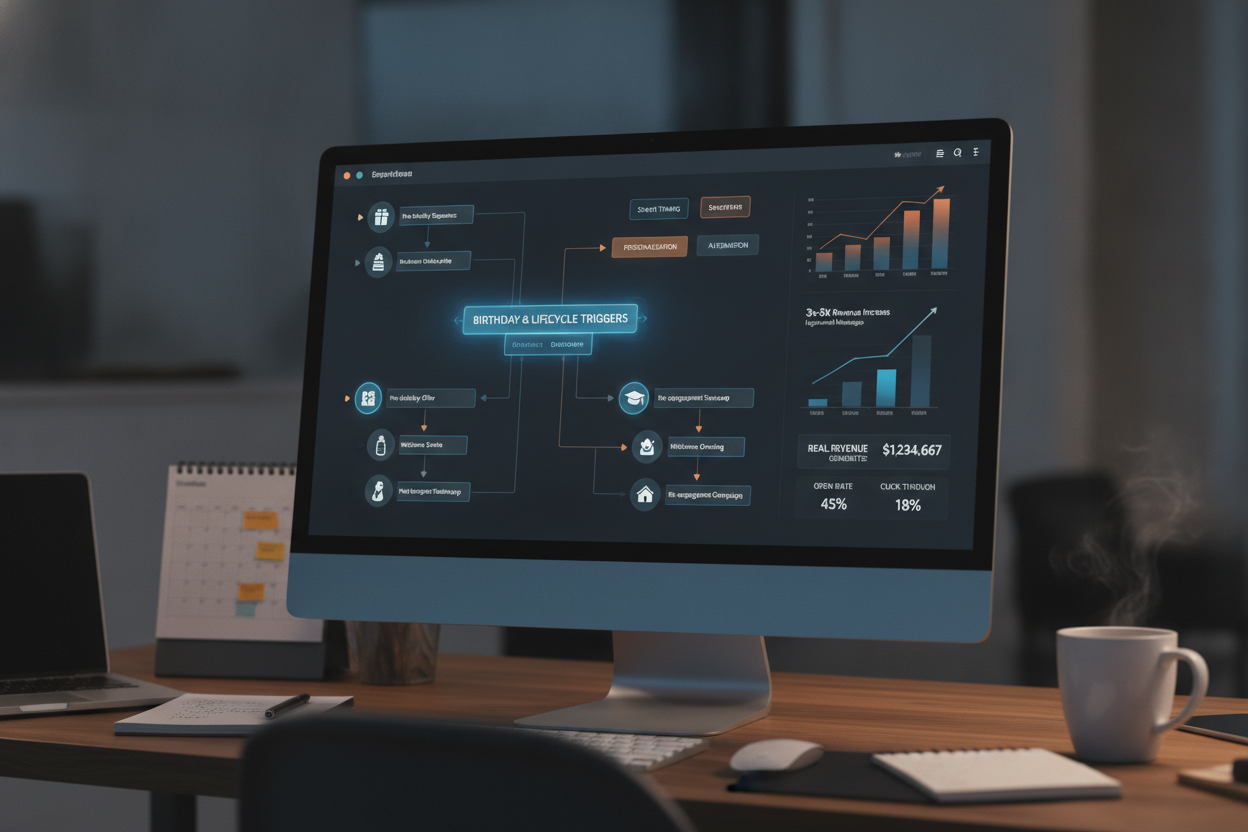
Birthday and lifecycle trigger emails are the highest-revenue automated messages most email programs underutilize. These sequences, fired by subscriber data rather than a marketer's calendar, consistently outperform batch campaigns by 3x to 5x on revenue per email because they arrive when a subscriber is most receptive. Building them well requires more than dropping a coupon into a template with a balloon emoji; it requires understanding the data architecture, timing logic, and content strategy that separate a forgettable "happy birthday" email from a sequence that drives six figures in incremental annual revenue.
The fundamental shift in thinking is this: batch campaigns are about your schedule; trigger campaigns are about the subscriber's schedule. A batch send goes to everyone on Tuesday because Tuesday is when your team decided to send. A trigger fires because something happened, or is about to happen, in the subscriber's relationship with your brand. That difference in orientation is why trigger-based programs produce outsized returns relative to the effort they require. Once built, they run continuously, generating revenue around the clock without competing for space on your editorial calendar.
Birthday emails are the most familiar lifecycle trigger, and they remain underappreciated despite being one of the easiest wins in email marketing. The data backs this up: birthday emails generate 342% higher revenue per email than standard promotional messages, according to Experian's benchmark data. Yet the majority of brands either skip them entirely or send a single flat message that feels like it was assembled in four minutes. The programs that perform best treat the birthday as a three-touch sequence rather than a single send.
Email 1 (5-7 days before): A "your birthday is coming" teaser with an exclusive offer or early access. This builds anticipation and captures purchases from people who shop early.
Email 2 (day of): The primary birthday message with the core offer. Personalized, warm, direct. This is where most of the revenue concentrates.
Email 3 (3-5 days after): A reminder that the birthday offer is expiring. This catches the procrastinators and often recovers 15-25% of the sequence's total revenue.
The three-touch approach works because it respects how people actually behave. Some subscribers check email the moment it lands; others are busy on their birthday and forget about promotional messages until the weekend. A single-send birthday email misses everyone who did not open within the first 24 hours. The pre-birthday and post-birthday touches recover that lost revenue without feeling aggressive, because the occasion provides natural cover for multiple messages.
Getting the data right is the non-negotiable first step. You need a birth date field in your subscriber record, and you need it in a format your automation platform can parse reliably. If your signup form collects birthday as a free-text field, you will end up with "Jan 5," "01/05/1990," "January 5th," and "1990-01-05" all in the same column. Standardize the format at the point of collection, ideally with a date picker that stores the value as MM/DD or YYYY-MM-DD. If you already have messy data, clean it before building the automation; a trigger that fires on the wrong date is worse than no trigger at all.
Collection rate matters too. If only 8% of your list has provided a birthday, the sequence will not move the needle on your program-level metrics no matter how well it performs on a per-send basis. The most effective collection strategies are progressive profiling (asking for birthday in a post-purchase or post-signup follow-up rather than on the initial form) and incentivized collection ("Tell us your birthday and we'll send you something special"). Both approaches can push birthday capture rates above 40% within six months if executed consistently.
Beyond birthdays, the lifecycle triggers that generate the most revenue fall into a surprisingly short list: welcome sequences, post-purchase follow-ups, replenishment reminders, anniversary/milestone emails, win-back sequences, and browse or cart abandonment triggers. Each of these is activated by a specific subscriber behavior or data point, and each has a distinct window of maximum effectiveness.
| Trigger Type | Optimal First Send | Typical Revenue Lift vs. Batch |
|---|---|---|
| Welcome Series | Within 1 hour of signup | 3x higher transaction rate |
| Cart Abandonment | 1-3 hours after abandonment | 10-15x revenue per email |
| Post-Purchase | 24-48 hours after delivery | 2-4x engagement rate |
| Replenishment | 70-80% through product lifecycle | 5-8x conversion rate |
| Birthday Sequence | 5-7 days before birthday | 3-5x revenue per email |
| Win-Back | 60-90 days of inactivity | Variable; depends on list quality |
The timing column in that table deserves close attention, because timing is where most lifecycle programs succeed or fail. A cart abandonment email sent 24 hours later has already lost most of its potential value; the subscriber has either purchased elsewhere or moved on. A replenishment reminder sent too early feels pushy, and one sent too late arrives after the customer has already reordered or switched brands. Getting these windows right requires testing with your specific audience, not copying a blog post's "best practice" timing and calling it done.
This is also where your sending infrastructure has to keep up with your strategy. Trigger emails are time-sensitive by definition, which means your platform needs to process and deliver them within minutes of the triggering event, not batch them into an hourly queue. When a subscriber abandons a cart at 2:14 PM, the follow-up should arrive in their inbox before 3:00 PM, not at 6:00 PM when the next batch processes. Platforms with built-in workflow automation, like Deployer's Rithm Builder, are designed to handle this kind of real-time trigger processing at scale, which becomes important once you are running dozens of concurrent trigger programs across millions of subscribers.
Content strategy for lifecycle triggers follows different rules than batch campaign content. Batch emails benefit from novelty because the subscriber is not expecting them; the subject line and creative have to earn attention from scratch each time. Trigger emails benefit from consistency because the subscriber's context provides the relevance. A birthday email does not need a clever subject line; it needs a clear subject line that says "Happy Birthday, here's your gift." The context does the work. What matters in trigger content is the quality of the offer and how personalized the experience feels.
Personalization in lifecycle triggers goes well beyond inserting a first name. The best-performing sequences adapt their content based on purchase history, category affinity, loyalty tier, and engagement recency. A birthday email to a VIP customer who has purchased six times in the past year should look fundamentally different from one sent to a subscriber who signed up last month and has never bought. The VIP gets a higher-value offer, a warmer tone, and possibly a gift that does not require a purchase at all. The new subscriber gets a lower-friction introductory offer designed to generate a first conversion. Same trigger, different treatment, dramatically different results.
Segmenting within triggers is where many teams get stuck because their automation tools treat triggers as binary: the event happened, send the email. More sophisticated platforms allow conditional branching within trigger workflows, so you can route subscribers through different creative paths based on their profile data without building separate automations for every segment. This kind of branching logic is what separates a birthday email that generates $0.50 per send from one that generates $3.00 per send.
Measurement for lifecycle triggers requires a different mental model than batch campaign reporting. You should not be comparing your birthday sequence's total revenue to last Tuesday's newsletter blast, because the volumes are entirely different. The right metrics are revenue per email sent, conversion rate per email, and incremental revenue contribution to the overall program. Track these monthly and watch the trends. A well-built lifecycle trigger program should contribute 15-30% of your email program's total revenue while accounting for less than 5% of total send volume. That ratio tells you whether your triggers are pulling their weight.
The compounding effect of lifecycle triggers is the most important thing to understand about building them. Each trigger you add runs continuously, generating revenue while you sleep, while you are on vacation, while your team is building the next campaign. A mature trigger program with eight to 12 active sequences becomes a revenue engine that operates independently of your promotional calendar. The time to build them is now, and the right approach is to start with two or three high-impact triggers (welcome, birthday, post-purchase), measure rigorously for 60 days, optimize, then add the next layer. If you want to see how automated workflow architecture handles this kind of complexity at scale, Deployer's trigger and automation tools are worth evaluating alongside whatever platform you are currently using.
How much revenue should birthday emails generate per send?
High-performing birthday sequences generate between $1.50 and $5.00 in revenue per email sent, depending on your average order value and the strength of your offer. If your birthday emails are producing less than $1.00 per send, your offer is likely too weak, your audience is too broad (including disengaged subscribers), or you are sending a single email instead of a three-touch sequence. Benchmark against your own cart abandonment revenue per send as a reference point.
What is the best time to send a birthday trigger email?
The first email in a birthday sequence should arrive five to seven days before the subscriber's birthday, with the primary message on the day itself and a reminder three to five days after. Send-time optimization at the individual level improves performance further; rather than sending all birthday emails at 9:00 AM, platforms with adaptive delivery can route each message at the time that subscriber is most likely to engage.
How many lifecycle triggers should an email program have?
Most email programs should aim for eight to 12 active trigger sequences once mature. Start with the three highest-impact triggers (welcome series, birthday or anniversary, and post-purchase), get them performing well, then add cart abandonment, replenishment, win-back, and browse abandonment over time. Adding triggers too quickly without measuring each one leads to overlapping sends and subscriber fatigue.
Should inactive subscribers receive lifecycle trigger emails?
No. Sending trigger emails to subscribers who have not engaged in 90 to 120 days damages your sender reputation without generating meaningful revenue. Build engagement-based suppression logic into every trigger workflow so that inactive addresses are excluded automatically. This protects your deliverability and ensures your trigger performance metrics reflect actual subscriber interest.
Do birthday emails work for B2B email programs?
Birthday emails can work in B2B, but the execution differs significantly. Consumer-style discount offers feel out of place in most B2B contexts. Instead, B2B birthday triggers work best as relationship-building touches: a personalized message from the account manager, a small branded gift, or a charitable donation made in the subscriber's name. The goal shifts from direct revenue to retention and relationship depth, which is harder to measure but equally valuable over time.
