
The single biggest predictor of whether a new SaaS client will churn in the first 90 days is how quickly they reach their first meaningful outcome. Zero-touch onboarding, where clients configure, connect, and activate their accounts without waiting on a human, compresses that timeline from weeks to hours. Done well, it also frees your operations team to focus on the accounts that genuinely need high-touch guidance instead of walking every new signup through the same 14 steps.
Most companies discover this the hard way. A client signs a contract on Tuesday, the CSM schedules a kickoff for the following Monday, then another week passes configuring the account, and by day 15 the new client still has not sent their first campaign, loaded their first dataset, or run their first sprint. Somewhere in that dead air, buyer's remorse creeps in. The competitor they almost chose starts looking better. By the time the welcome email arrives confirming their account is "ready," the enthusiasm that drove the purchase decision has cooled to lukewarm.
The math reinforces the urgency. Lincoln Murphy's research on customer success points to a consistent pattern: clients who achieve a "first value" milestone within the first 48 to 72 hours retain at dramatically higher rates than those who take two or more weeks. While exact numbers vary by product category, the direction is always the same. Speed to first value is the strongest lever you have against early-stage churn, and self-service onboarding is how you pull it.
Designing a zero-touch flow that actually works requires you to answer a question most teams skip: what is the minimum viable onboarding? Not the full platform tour. Not every integration. Not the advanced settings panel. Just the smallest set of steps that gets this client to a point where they can see the product doing something useful for them, personally, with their own data. For a project management tool, that might mean creating one project, inviting one teammate, and moving one task through a workflow. For a billing platform, it might mean connecting a payment processor and generating a test invoice. Identify that moment, then design backward from it.
The backward design process typically reveals that 60% to 80% of what companies pack into onboarding is optional on day one. Detailed permission configurations, advanced reporting setup, custom branding, SSO configuration; all of these matter, but none of them need to happen before the client experiences the core value proposition. Move them to a "Phase 2" checklist that the client can complete at their own pace after they have already committed to using the product daily. This is not about cutting corners. It is about sequencing correctly so that configuration does not block activation.
Once you have defined the minimum path, the technical design of the self-service flow needs to account for three failure modes that kill most onboarding sequences.
The first is the dead-end error. A client enters an API key incorrectly, gets a generic "something went wrong" message, and has no idea what to try next. Every input field in your onboarding flow should validate in real time, explain what went wrong in plain language, and suggest a fix. "Invalid API key" is useless. "This key is 38 characters; Stripe API keys are 32 characters. Check for extra spaces" is useful. The difference between those two messages is often the difference between a completed setup and a support ticket that sits in a queue until tomorrow.
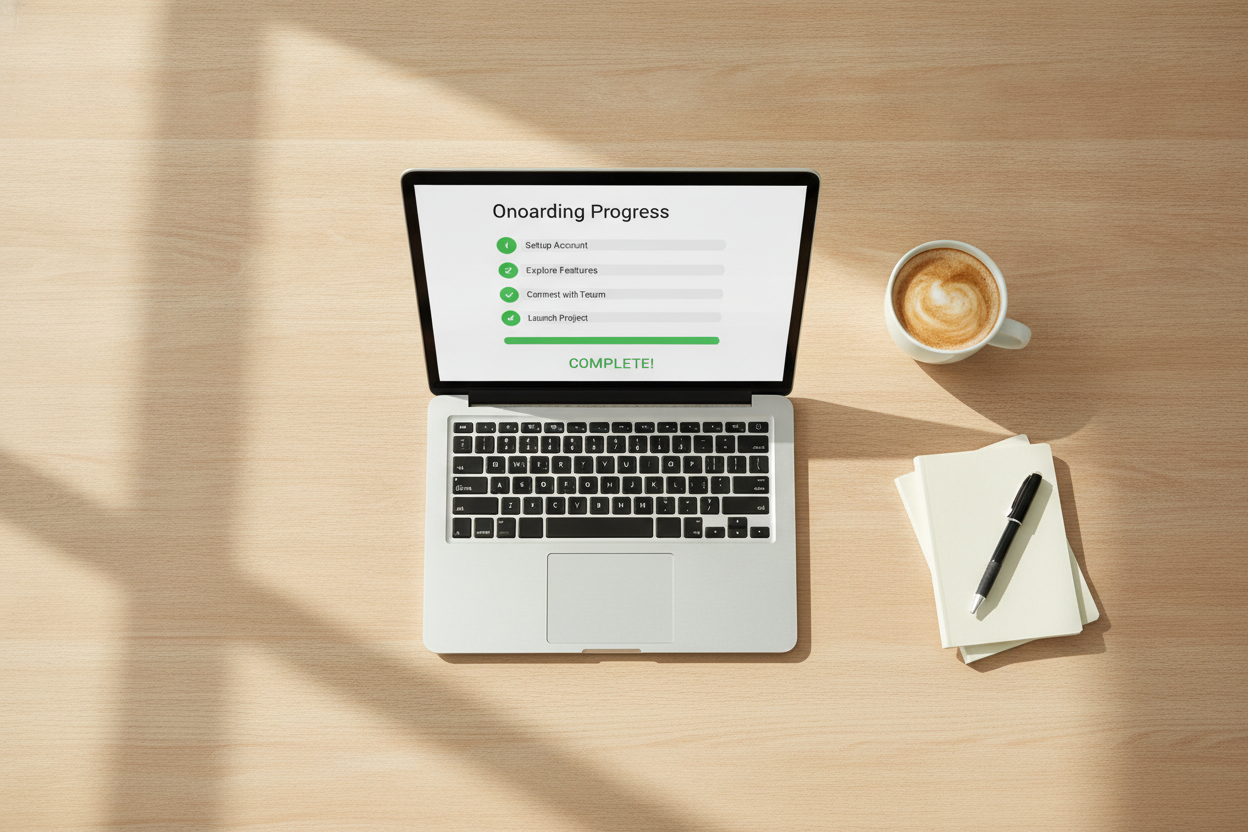
The second failure mode is context loss. The client starts onboarding, gets interrupted by a meeting, comes back two hours later, and the flow has reset to step one. Your onboarding state needs to persist. Every completed step should be saved server-side, not just held in browser state. When the client returns, they should land exactly where they left off, with a clear visual indicator showing what they have done and what remains. This sounds obvious. Most onboarding flows still do not do it.
The third, and most insidious, is the false completion. The client clicks through every step, sees a congratulations screen, and then lands on an empty dashboard with no idea what to do next. The transition from onboarding to daily usage is where self-service flows most often fail. The fix is to end onboarding not with a congratulations modal but with a first-action prompt: "Your account is ready. Here is the project/campaign/invoice you just configured. Click here to see it live." Drop them directly into the product in the context of something they just built. That is the moment value becomes tangible.
There is a common objection from customer success teams when you propose zero-touch onboarding: "Our product is too complex for self-service." In some cases that is true. Enterprise integrations with legacy ERP systems, heavily regulated industries with compliance checklists, products that require hardware installation; these legitimately need human involvement. But in most mid-market SaaS contexts, complexity is not inherent. It is accumulated. Features got added over years without anyone redesigning the initial setup path. Configuration screens that made sense when the product had three options now have 40 toggles. The "complexity" is really just UI debt.
The honest solution is to build two paths. A self-service flow for the 70% of clients whose use case fits the standard configuration, and a guided path for the 30% who need customization that cannot be safely automated. The mistake companies make is building only the guided path and forcing every client through it, including the ones who would happily set things up themselves if you let them. Those clients do not want a 45-minute kickoff call. They want to click six buttons and start working.
| Onboarding Model | Median Time to First Value | CSM Hours per Client | Best For |
|---|---|---|---|
| Fully manual (kickoff + config calls) | 10-20 business days | 4-8 hours | Enterprise, heavy customization |
| Hybrid (self-service + scheduled check-in) | 3-7 business days | 1-2 hours | Mid-market, moderate complexity |
| Zero-touch (fully self-service) | Same day to 48 hours | 0 hours (async support only) | SMB, standard use cases |
Instrumentation matters as much as design. You need to track not just completion rates but drop-off points, time spent per step, and the correlation between onboarding velocity and 90-day retention. Build a simple funnel report: how many clients start step one, how many complete each subsequent step, how many reach first value, and what is the median elapsed time? When you see that 35% of clients drop off at step four, you do not need a focus group. You need to go look at step four and figure out what is confusing, broken, or unnecessary.
The instrumentation also enables a smart intervention layer. Instead of assigning every client a CSM from day one, monitor self-service progress and trigger human outreach only when something goes wrong. A client who has been stuck on step three for more than 24 hours gets an automated, specific email: "It looks like you have not connected your data source yet. Here is a 90-second video showing how, or reply to this email and I will walk you through it." This is where AI-powered customer support tools, like Aigotchu, can handle the first layer of intervention automatically, escalating to a human only when the automated response does not resolve the issue. The result is high-touch responsiveness without high-touch cost.
One thing that separates great self-service onboarding from mediocre versions is how they handle the billing and provisioning layer. If a client signs up for a usage-based plan, the onboarding flow needs to provision the right tier, set up metering from the first interaction, and make the billing relationship transparent without creating friction. Too many products separate "account setup" from "billing setup" into two completely different workflows, sometimes managed by different teams with different tools. The client ends up fully onboarded from a product perspective but in billing limbo, unsure what they are being charged or when. Platforms built on unified billing and onboarding infrastructure, such as Market Rithm's Onboardable, treat provisioning and billing as a single atomic operation, so the client's account, plan, metering, and first invoice are all configured in one pass. That eliminates an entire category of support tickets and finance reconciliation headaches.
After your self-service flow is live, resist the temptation to declare victory and move on. Onboarding is a living system. Every product update, new integration, or pricing change is an opportunity for the flow to break or become outdated. Assign an owner. Review drop-off data monthly. Run the flow yourself, as a new user, quarterly. The operators who do this consistently are the ones who maintain sub-48-hour time-to-value numbers while their competitors are still scheduling kickoff calls.
The bottom line: zero-touch onboarding is not about removing the human element from client relationships. It is about removing the human bottleneck from the steps that do not need one. Clients who can self-serve want to self-serve. Let them. Reserve your team's time and expertise for the conversations that actually require judgment, empathy, and product knowledge. If you want to see how unified onboarding and billing infrastructure can simplify this process, take a look at what Account Console offers for mid-market SaaS operations.
What is zero-touch onboarding in SaaS?
Zero-touch onboarding is a self-service setup process where new clients configure, connect, and activate their accounts without requiring live assistance from a customer success manager or implementation specialist. The goal is to reduce time to first value from days or weeks to hours, using guided in-product flows, automated provisioning, and contextual help resources.
How does self-service onboarding reduce churn?
Clients who reach a meaningful first outcome quickly develop stronger product habits and higher switching costs before the initial enthusiasm of their purchase decision fades. Research consistently shows that faster time to value correlates with higher retention at 90 days and beyond. Self-service flows compress that timeline by eliminating scheduling delays and manual configuration bottlenecks.
When should you use guided onboarding instead of self-service?
Guided (human-assisted) onboarding is appropriate when the client's use case requires significant customization, complex integrations with legacy systems, or compliance-driven configuration that cannot be safely automated. A good rule of thumb: if fewer than 30% of your clients need heavy customization, build the self-service path first and offer guided onboarding as an escalation option, not the default.
What metrics should I track for onboarding performance?
Track completion rate per step (to find drop-off points), median time from signup to first value, support ticket volume during onboarding, and the correlation between onboarding speed and 90-day retention. Time to first value is the single most important metric. If you can only track one number, track that.
Can zero-touch onboarding work for usage-based pricing models?
Yes, but it requires the onboarding flow to handle provisioning, tier selection, and metering setup as a single integrated step rather than a separate billing workflow. When billing and onboarding are unified, the client's plan, usage tracking, and first invoice are all configured during the same self-service process, which eliminates confusion and reduces billing-related support tickets.
